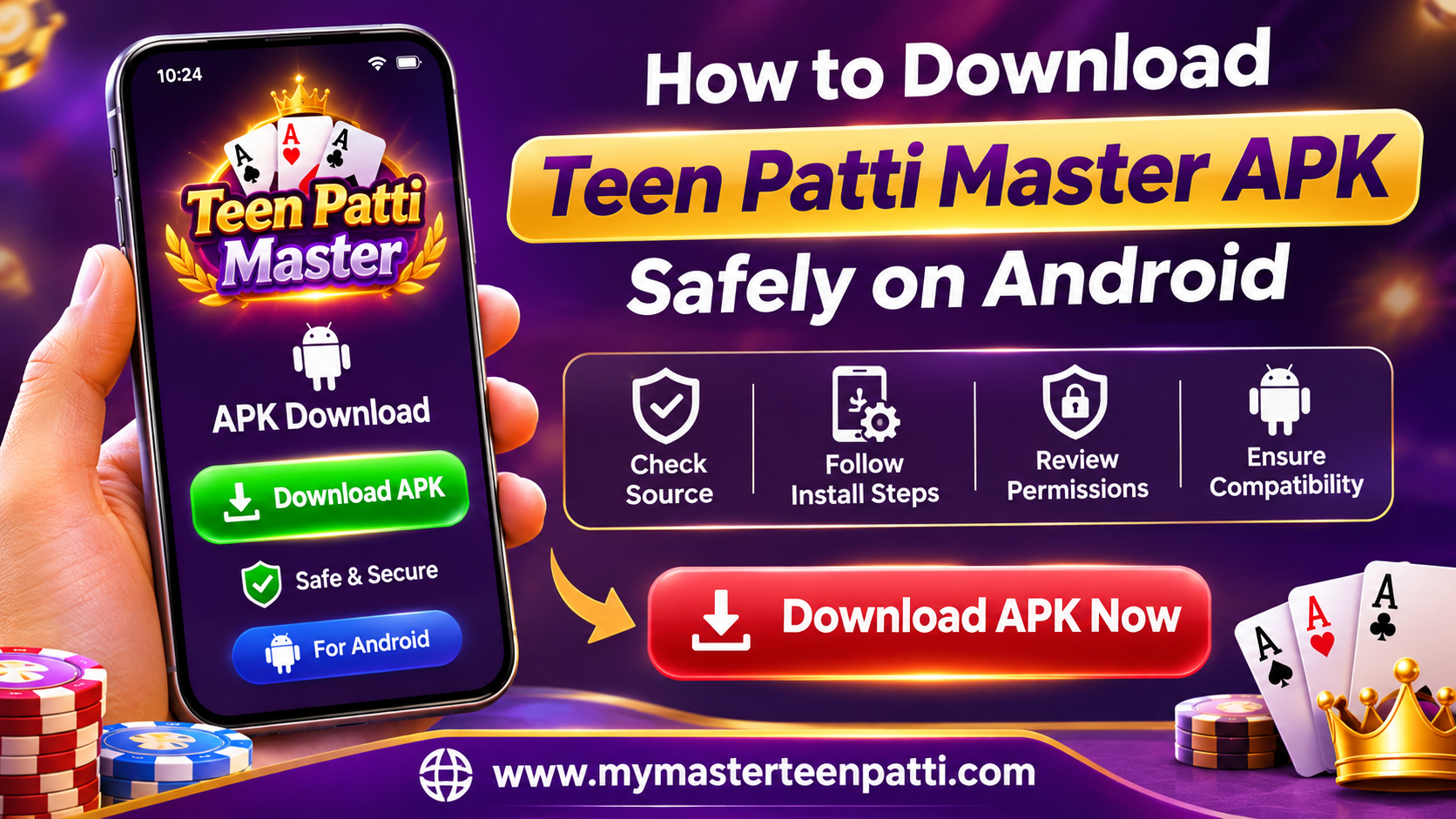
Android users should check an app’s source, compatibility, and permissions before installing an APK file. A few simple security checks can help protect personal information, prevent unwanted software, and reduce installation problems.
Teen Patti Master APK Download: What Should You Check First?
Before searching for a Teen Patti Master APK Download, visit the website’s official download page and review the available app information. Check the developer or publisher details, file version, Android requirements, privacy policy, and terms of use. Avoid links shared through unknown websites, social media groups, or messaging apps because modified APK files may contain harmful software.
How to Check an APK Before Installation
1. Verify the Download Source
Use a verified source whenever possible. Confirm that the website uses HTTPS and clearly identifies the app publisher. HTTPS alone does not prove that an APK is safe, so review the available information before downloading.
2. Check App Permissions
Review the permissions Android requests during installation or when you first open the app. Consider whether each permission makes sense for the app’s stated purpose. Avoid applications that request unnecessary access to contacts, messages, accessibility services, or sensitive device information.
3. Scan the File for Security Risks
Keep Google Play Protect enabled and follow its security warnings. Google explains that Play Protect checks apps for potentially harmful behaviour, including apps installed outside Google Play. However, no security scan can guarantee complete protection.
How to Install an APK on Android
If the app and its intended use are lawful in your location, follow these general steps:
- Check the app’s compatibility with your Android version.
- Obtain the installation file only from a verified source.
- Open your Downloads folder and locate the APK file.
- If Android requests permission to install unknown apps, review the source and grant permission only if you trust it.
- Follow the installation prompts and review any additional permissions.
- Disable the temporary installation permission when you finish.
Stop if Android or your security software flags the file. Do not bypass warnings simply to complete installation.
Final Thoughts
A careful installation process starts with source verification, permission checks, device compatibility, and security scanning. Before considering a 3 Patti APK Download, also check the applicable laws and the platform’s terms. India’s Promotion and Regulation of Online Gaming Act, 2025 and its 2026 rules restrict online money gaming, so do not download or promote an app for prohibited activities. Choose only services and games that you can legally access in your location.
Frequently Asked Questions
Is Teen Patti Master APK safe to install?
Safety depends on the actual file, its source, and the permissions it requests. Review the publisher information and security warnings before making a decision.
Why is an APK not installing on my Android phone?
Common causes include an incompatible Android version, a damaged download, insufficient storage, or a conflict with an existing app version. Check these issues before trying again.
Does Google Play Protect scan APK files?
Google Play Protect checks apps for harmful behaviour and may warn you about risky applications. Keep it enabled, but do not treat a clean result as a guarantee of safety.